I’ve used Microsoft OneNote for quite a while now. I use it to teach all of my maths classes and I use it to organize
Leveraging Technology for Learning
I’ve used Microsoft OneNote for quite a while now. I use it to teach all of my maths classes and I use it to organize
Prism Scholarslab can best be summed up by it’s tagline: A TOOL FOR COLLABORATIVE INTERPRETATION OF TEXTS. It does exactly that and it does it very
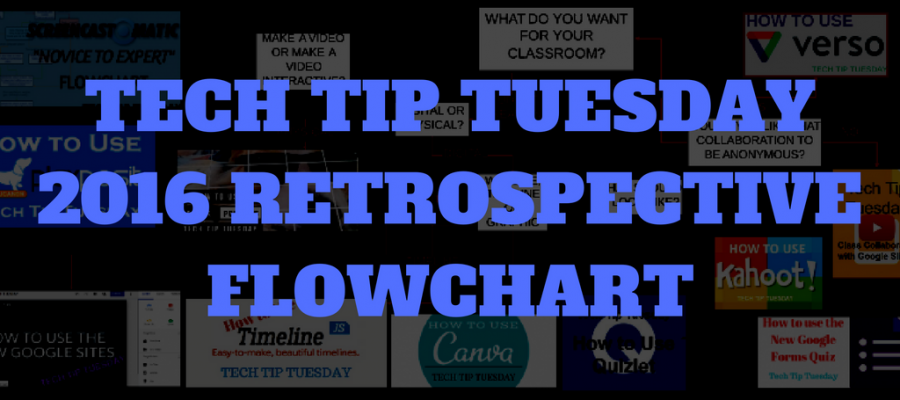
It’s the end of the year, a great time for looking back. It’s also a great time to learn a little something new, in readiness
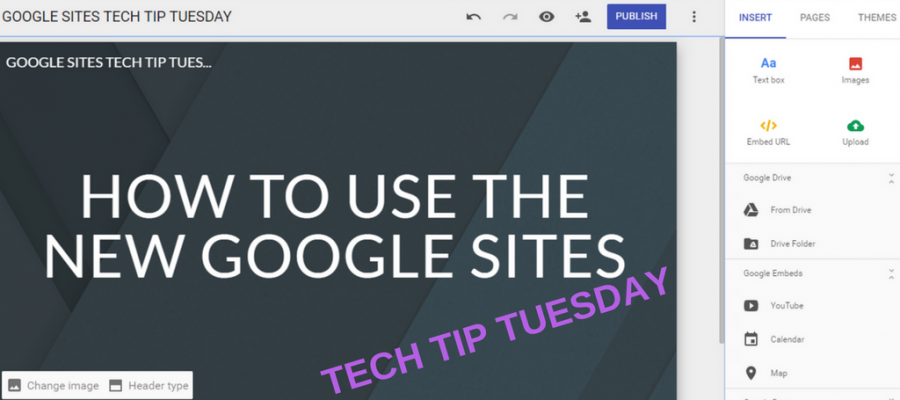
The all New Google Sites was released just last week and it is absolutely amazing. It allows you (or your students) to easily make and
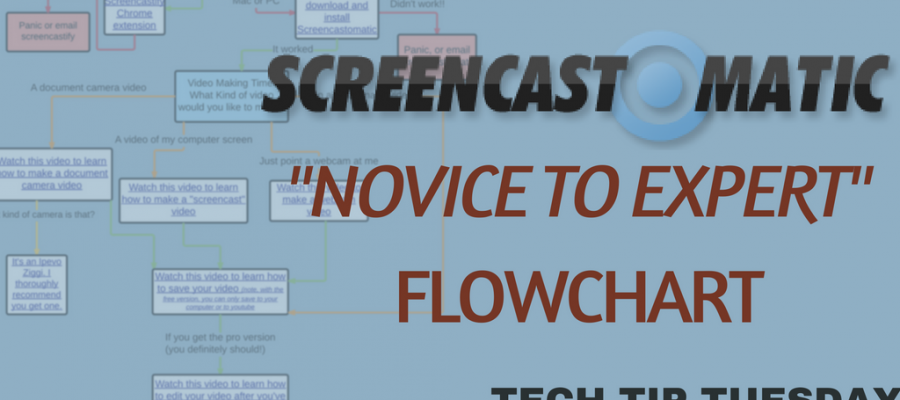
I make a lot of videos. Videos for my students, for parents, for teachers in my school and, of course, videos for you. Over 1000 videos

Two for the price of one this week. They’re a bit same same but different. Google Ngram Viewer Google have digitised over 20 million books

A whole class discussion is taking place. What does it look like? One student is dominating the conversation. Another student is jumping in with something off-topic,

Sometimes you want to put something up on your wall but a simple A3 poster just won’t do it. You need something large. Maybe something

In any subject sometimes you just need to talk history. What better way to do it than to have your students create a timeline. We’re

Another Tech Tip Tuesday and this time it’s all about student creation with the awesome canva.com Canva is a super simple way for students to

Turning passive video watching into an interactive and engaging learning experience? That’s Playposit. Keep reading for your chance to win a free one year subscription
Google Forms was originally designed as a way to survey people or gather information. It wasn’t intended to be used as means of formative or summative
